
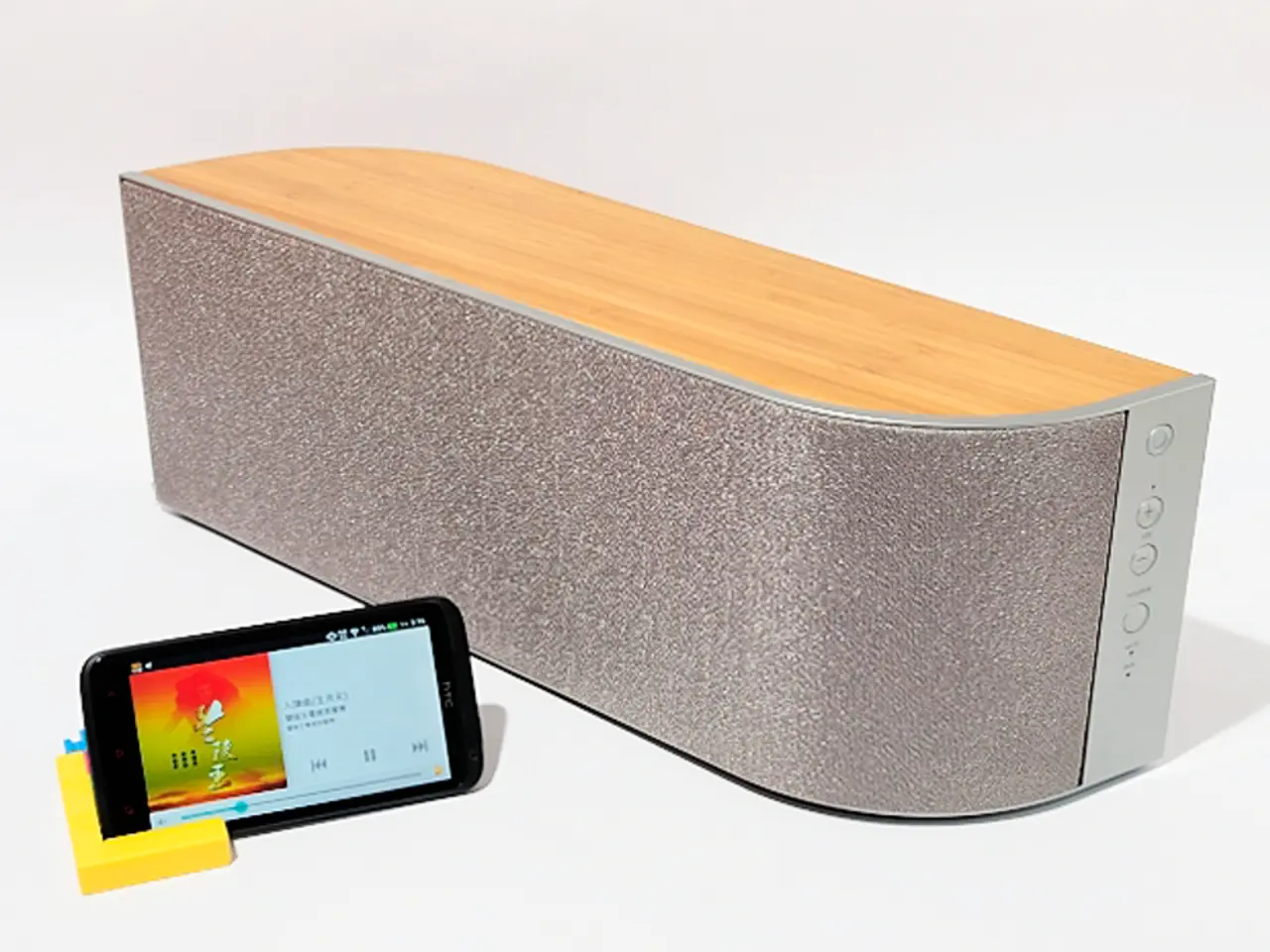
Leveraging Google Speakers for Main Audio Output
In the realm of modern home entertainment, Google Speakers have emerged as a popular choice for audio enthusiasts seeking a smart and versatile solution. From the Google Nest Mini to the Google Home Max, these devices offer an array of features that cater to diverse audio needs.
However, it's essential to understand that integrating Google Speakers into a home theater setup may not completely replace a dedicated home theater sound system. Google Speakers are optimized for an intelligent, multi-functional experience, and while they deliver impressive sound quality, they may not match the sound quality of high-end standalone speakers or sound systems for critical listening.
To optimize the audio performance of Google speakers, such as the Google Nest Audio or Chromecast Audio, consider the following expert tips:
1. Use high-quality audio sources: Ensure that your streaming music, podcasts, or movie audio files are of good quality to allow the speaker’s hardware to reproduce clear sound accurately.
2. Set up and configure via Google Home app: - Connect your Google speaker to your reliable Wi-Fi network. - Use the Google Home app to complete the setup and link your preferred music services like YouTube Music or Spotify. - Within the app, adjust settings such as default volume and equalizer options if available for your device.
3. Adjust audio settings for your content type: - For music, select balanced sound settings to preserve clarity and richness. - For podcasts or dialog-heavy content, consider using dynamic range compression features or adaptive leveling tools to balance speech volume relative to background sounds, reducing listener fatigue. - Some advanced services or apps use AI algorithms to reduce ambient noise or static without losing important background sounds, which can improve podcast or movie audio clarity.
4. Position your speaker optimally: Place your Google speaker in a location free from obstructions and near reflective surfaces to enhance sound projection and bass response.
5. Keep firmware updated: Regularly update your Google speaker software via the Google Home app to access the latest audio improvements and bug fixes.
6. Consider multi-room grouping: If you have multiple Google speakers, grouping them can provide a more immersive and balanced sound experience throughout your room or house.
By combining these steps—proper setup, linking preferred services, adjusting settings for specific content, and leveraging AI audio enhancement tools—you can significantly enhance your Google speaker's audio performance for any type of media.
Using Google Speakers as your primary audio device offers benefits such as built-in smart technology and easy access to a wide range of streaming services. Google Speakers utilize Google Assistant, allowing users to perform tasks through voice commands. Furthermore, Google speakers can be grouped together for a multi-room setup, creating a synchronized audio experience throughout your home.
However, it's worth noting that Google Speakers primarily rely on internet connectivity for content playback, potentially limiting access to offline options. Therefore, offline options and physical media may need to be integrated with Google Speaker setups to fully utilize them as primary audio devices.
[1] Google. (2021). Google Home Help. Retrieved from
- For individuals seeking a home theater upgrade but also interested in smart-home devices, incorporating Google Speakers could be a viable option, as they offer sound quality that surpasses typical smart speakers and can be integrated with home-and-garden gadgets like smartphones and other technology through Google Assistant.
- Enhancing theHome-and-garden lifestyle, Google Speakers can serve as smart-home devices, offering voice control over compatible smart-home devices, in addition to providing audio entertainment through their impressive sound quality.
- If you're a tech enthusiast looking to improve your home-and-garden setup, consider the Google Home Max or another high-end Google Speaker to achieve better sound quality compared to that of a typical home theater.
- While Google Speakers lack the sound quality of high-end standalone speakers or dedicated sound systems, they excel in offering an intelligent, multi-functional experience, making them a suitable choice for everyday home theater use and other gadgets in the home-and-garden domain.